JavaScript Variables Explained: var, let, and const (Beginner Guide)
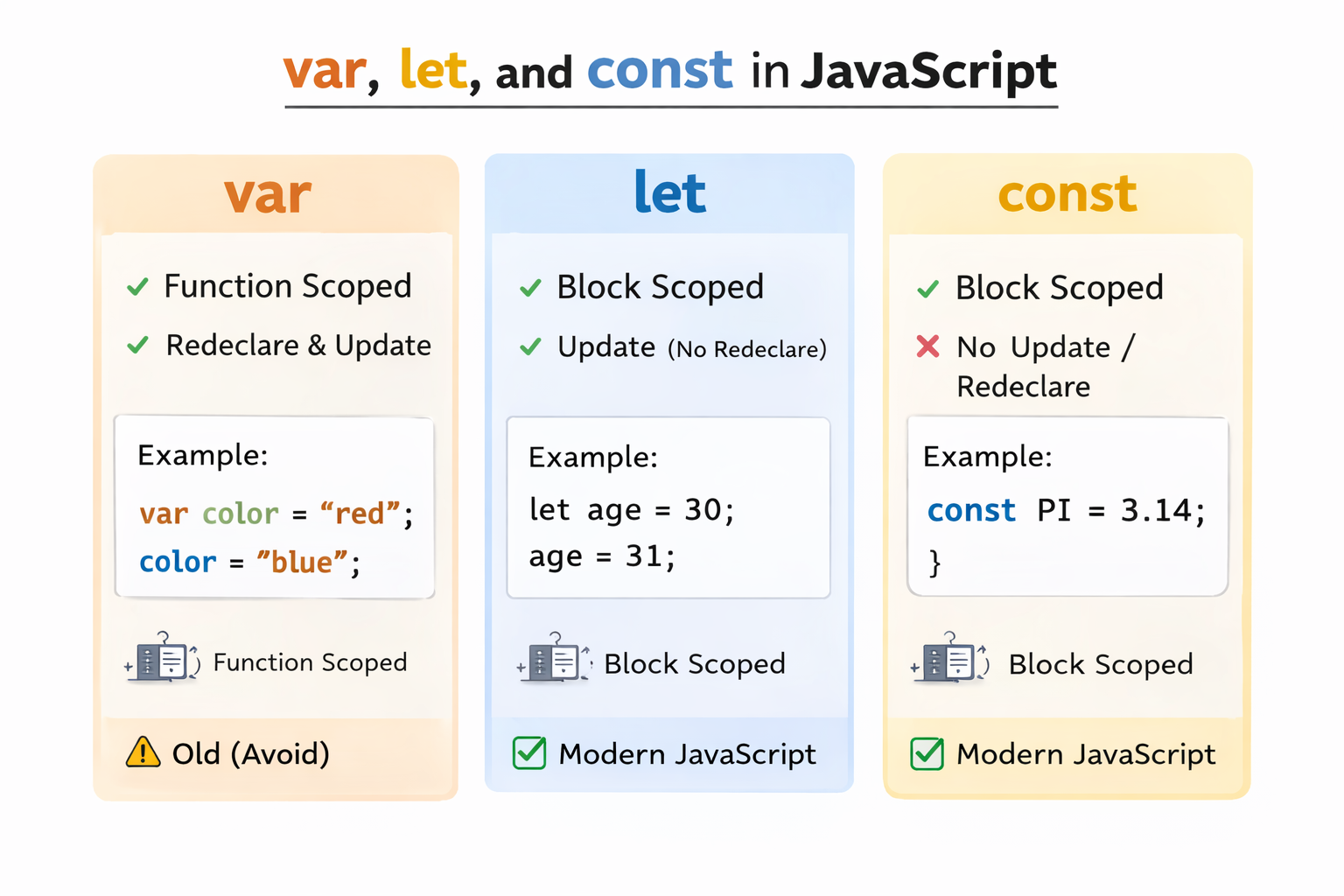
Introduction
Variables are one of the most important concepts in JavaScript. A variable is used to store data that can be used later in your program.
In JavaScript, there are three ways to declare variables:
-
var -
let -
const
Understanding the differences between these three is important for writing clean and modern JavaScript code.
What is a Variable?
A variable is a container used to store data.
Example:
let name = "John";
Here:
-
let→ keyword used to declare a variable -
name→ variable name -
"John"→ stored value
You can later use the variable in your program.
console.log(name);Output:
John
1. var in JavaScript
var is the old way to declare variables in JavaScript.
Example:
var age = 25;
console.log(age);
Output:
25
Characteristics of var
-
Function scoped
-
Can be redeclared
-
Can be updated
Example:
var city = "London";
var city = "Paris";

console.log(city);
Output:
ParisBecause of these behaviors,
var can sometimes cause unexpected bugs.
2. let in JavaScript
let was introduced in ES6 (2015) and is now widely used.
Example:
let age = 20;
age = 25;

console.log(age);
Output:
25
Characteristics of let
-
Block scoped
-
Can be updated
-
Cannot be redeclared in the same block
Example:
let name = "Alex";
let name = "John"; // Error
This makes
let safer than var.
3. const in JavaScript
const is used to declare constant variables.
Example:
const pi = 3.14;
console.log(pi);
Output:
3.14
Characteristics of const
-
Block scoped
-
Cannot be updated
-
Cannot be redeclared
Example:
const age = 30;
age = 40; // Error
Block Scope Example
Block scope means the variable only exists inside the block {}.
Example:
{
let number = 10;
console.log(number);
}

console.log(number); // Error
The variable cannot be accessed outside the block.
Comparison Table
| Feature    | var            | let   | const |
| ---------- | -------------- | ----- | ----- |
| Scope      | Function       | Block | Block |
| Redeclare  | Yes            | No    | No    |
| Update     | Yes            | Yes   | No    |
| Introduced | Old JavaScript | ES6   | ES6   |
When to Use var, let, and const
Use const
When the value should not change.
const country = "USA";
Use let
When the value may change later.
let score = 10;
score = 20;
Avoid var
In modern JavaScript, developers usually avoid using var.
Example Program
const name = "Emma";
let age = 25;

console.log("Name:", name);
console.log("Age:", age);
Output:
Name: Emma
Age: 25
Common Beginner Mistake
Trying to change a const variable.
const price = 100;
price = 200; // Error
Always remember:
const variables cannot be reassigned.
Summary
In this tutorial, you learned:
-
What variables are in JavaScript
-
How to use
var,let, andconst -
Differences between them
-
When to use each one
Key takeaway:
-
Use const by default
-
Use let when values change
-
Avoid var
What’s Next?
In the next tutorial, you will learn:
JavaScript Data Types Explained with Examples.